
Last updated: August 2026. This independent travel portal is not affiliated with the Government of Mozambique or VFS Global. For official applications, always use evisa.gov.mz. Mozambique eVisa customer support channels include email at support@mozambique-evisa.com, live chat, WhatsApp anytime, and phone during business hours (default +1 dialing code). The government portal at evisa.gov.mz lists no direct contact information.
Mozambique eVisa Customer Support: Contact Methods & Status Check
Mozambique eVisa customer support is available through email, live chat, WhatsApp, and phone via the commercial intermediary at mozambique-evisa.com; the official portal at evisa.gov.mz provides no direct contact details.
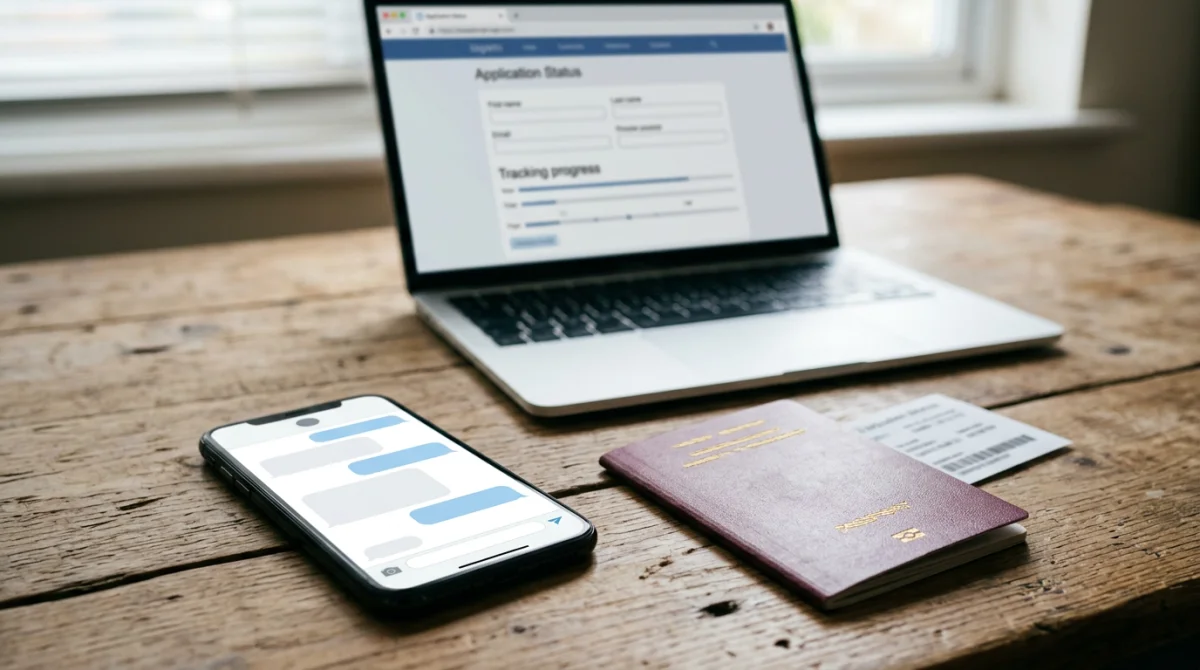
Email, Chat & WhatsApp Support
Commercial intermediary (mozambique-evisa.com): email support@mozambique-evisa.com, live chat, WhatsApp anytime, phone during business hours (default +1). Official portal (evisa.gov.mz) has no direct contact. For escalation, the Embassy of Mozambique in the Nordic Countries can be reached at +46 8 666 03 50 (closed Fridays).
How to Check Application Status
Mozambique eVisa customer support directs applicants to the tracking portal at mnzonline.vfsevisa.com. Enter your application reference number and email address to verify whether your eVisa was approved, is pending, or was rejected.
Standard vs. Express Processing Times
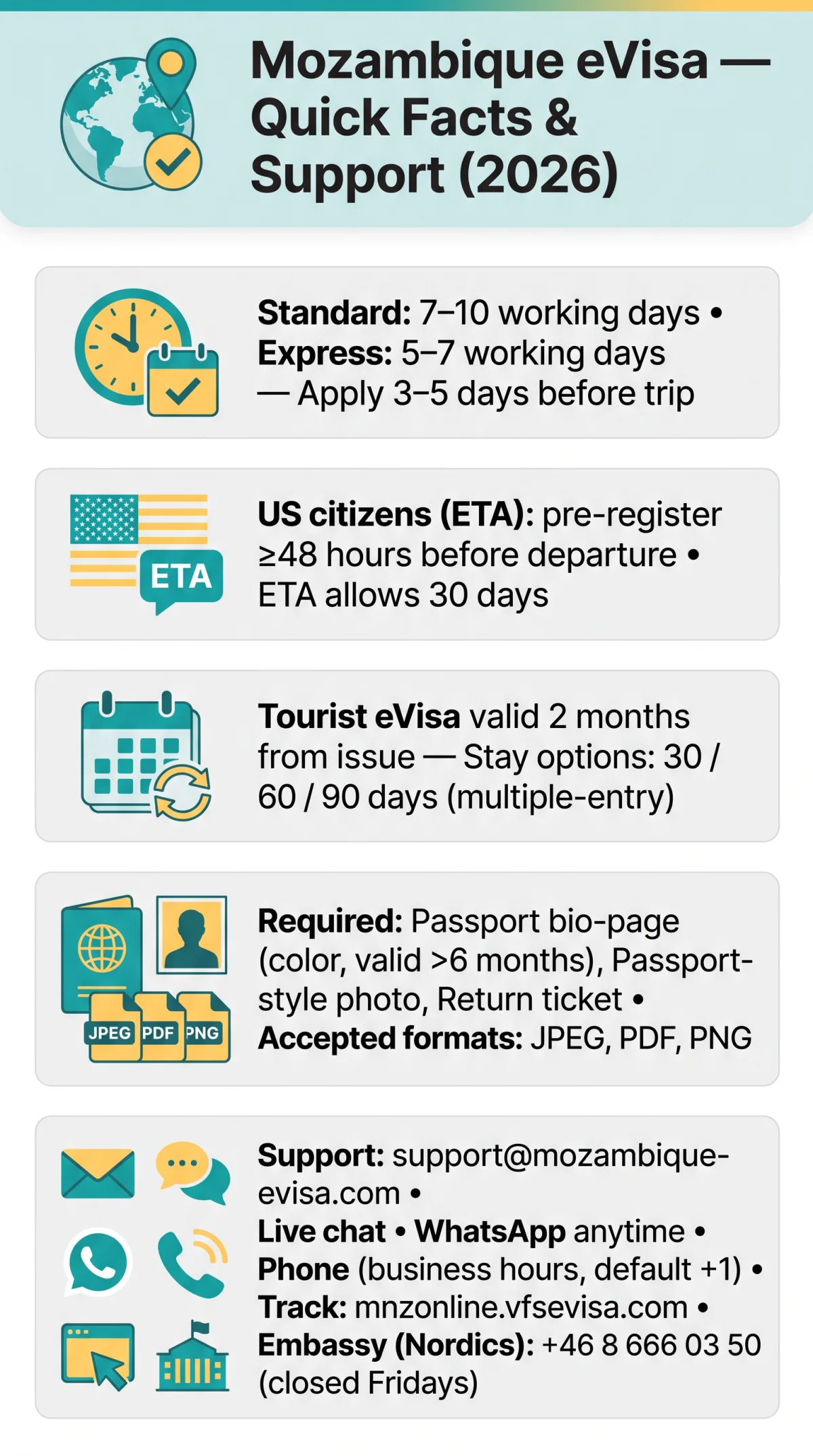
Standard processing takes 7 to 10 working days; express processing takes 5 to 7 working days for urgent applications. The official recommendation is to apply 3 to 5 days before your trip to allow time for processing and potential rectification. The eVisa support team advises choosing express only when travel is imminent.
Troubleshooting Common Mozambique eVisa Technical Issues
If you encounter technical issues, Mozambique eVisa customer support recommends checking file formats, browser compatibility, and spam folders before escalating a support ticket.
Document Upload & Payment Errors
- Upload only JPEG, PDF, or PNG files; unsupported formats trigger automatic rejection.
- Clear browser cache or switch browsers (Chrome, Safari, Firefox) when the portal returns ERROR 500 or “page not loading.”
- For PAYMENT_FAILED errors, retry with a different card or contact your bank.
Missing eVisa Email Troubleshooting
- Search inbox/spam/junk for messages from evisa.gov.mz or VFS Global.
- Verify status at mnzonline.vfsevisa.com using reference number and email.
- US citizens (ETA-eligible): pre-register at least 48 hours before departure at evisa.gov.mz; missing this step blocks entry.
Application Steps & Document Requirements
The three-step process: (1) Apply online with details and supporting documents, (2) Pay the fee securely, (3) Download and print the approved eVisa PDF for boarding and arrival. Required documents: passport bio-page (color copy, valid >6 months), recent passport-style frontal photo, confirmed return tickets. Formats: JPEG, PDF, PNG. Dual citizens: use the passport you will travel with. At the airport, carry a printed pre-approval document. Mozambique eVisa technical support notes that incomplete uploads are the most common cause of processing delays.
What to Do If Your Mozambique eVisa Application Is Rejected
Rejected applicants receive a notification with the reason (e.g., missing document, photo non-compliant, eligibility issue). Visa fees are non-refundable for rejected applications per Mozambique Embassy policy.
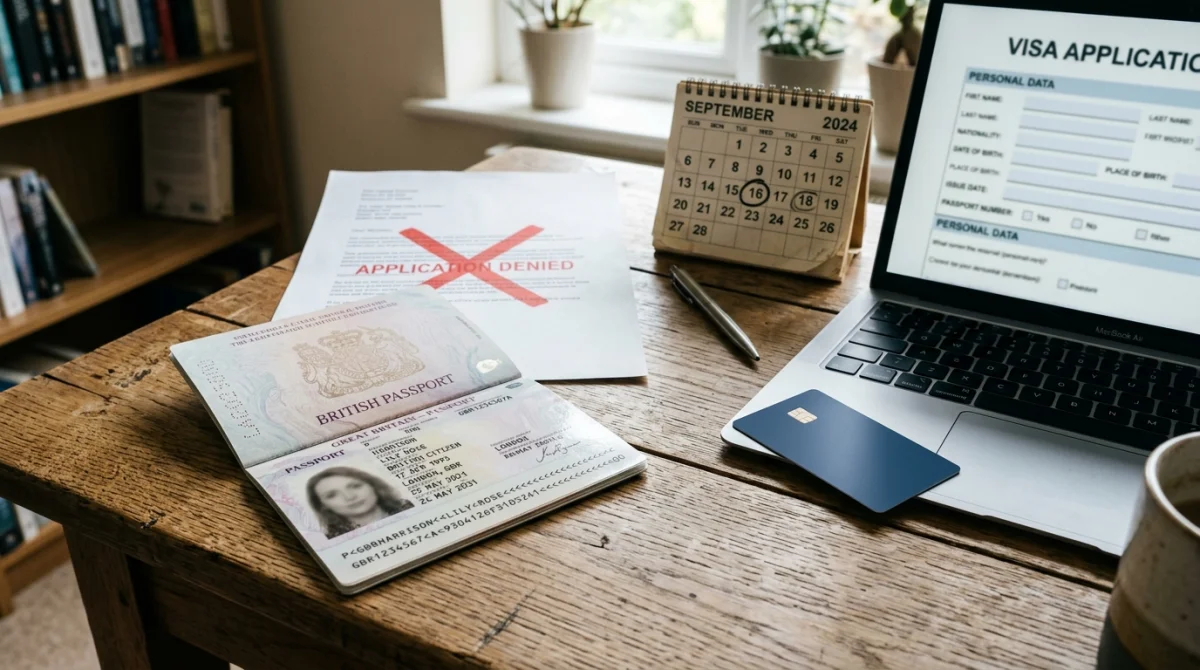
Rejection Reasons & Reapplication Steps
Common rejection causes include missing mandatory documentation, non-compliant photo format, or eligibility issues. After receiving the rejection notification, reapply through evisa.gov.mz after correcting the identified problem. Mozambique eVisa customer support confirms reapplication requires paying the fee again.
- Review the rejection notification for the stated reason.
- Correct the issue (e.g., upload passport bio-page in JPEG, PDF, or PNG format).
- Resubmit and pay the fee again.
- Choose standard (7 to 10 working days) or express (5 to 7 working days) processing.
Support for Minors and Special Cases
Applicants under 18 must attach a Statement of responsibility from a person with parental authority. The eVisa help desk requires this document for all minor applications submitted through evisa.gov.mz.
Mozambique eVisa FAQ: Common Application Questions
How can I check the status of my Mozambique visa application online?
Check status at mnzonline.vfsevisa.com using your reference number and email. Also search inbox, spam, and junk for “evisa.gov.mz” or “VFS Global” before contacting Mozambique eVisa customer support.
How can I apply for a Mozambique eVisa?
Apply online at evisa.gov.mz: provide details, upload supporting documents (passport bio-page, frontal photo, return tickets in JPEG/PDF/PNG), pay the fee, then download and print the approved eVisa PDF.
Do US citizens need visas for Mozambique?
US citizens require an ETA (Electronic Travel Authorization), not a full eVisa. The ETA allows a maximum stay of 30 days for tourist or business purposes with multiple entries. Pre-register at least 48 hours before departure at evisa.gov.mz.
How to get a visa to Mozambique?
Apply through evisa.gov.mz or a commercial intermediary. Visa on Arrival (VOA) is not available; pre-registration is required. Standard processing: 7 to 10 working days; express: 5 to 7 working days. Apply 3 to 5 days before your trip.
What file formats are accepted for document uploads?
Accepted formats: JPEG, PDF, and PNG for all supporting documents including passport bio-page, frontal photo, and return tickets.
How long is the Mozambique eVisa valid?
The tourist eVisa is valid for 2 months from issuance, with stay options of 30, 60, or 90 days (multiple-entry). Stay extensions require contacting the Mozambique Embassy.
What is the difference between eVisa and ETA?
ETA: 30-day stay, all passport types, pre-registration 48 hours before departure. eVisa: up to 90 days, eligible countries only, pre-approval letter issued.
Is there an entry fee on arrival?
Yes, ETA-eligible nationalities pay approximately 10 Euros upon arrival at the port of entry, provided pre-registration was completed 48 hours before departure.